
The Smart Home Setup Podcast
My Smart Home Setup
0
This podcast provides detailed guides for creating smart home setups that work together seamlessly. Each episode includes a shopping list, compatibility requirements, and automation logic tested in real homes. The focus is on interoperability and practical, step-by-step instructions.
Episodi
-
 Understanding Context-Aware AI Triggers vs Rule-Based Automation 18.09.2026 23minUnderstanding Context-Aware AI Triggers vs Rule-Based Automation The distinction between context-aware AI triggers vs rule-based automation isn't just technical semantics—it's the difference between a home that responds to commands and one that anticipates the mood of a Tuesday evening versus a Saturday morning. Where traditional automation executes rigid if/then logic, context-aware systems read the cadence of your life, layering temporal patterns, environmental cues, and behavioral history into decisions that feel less like programming and more like intuition. What Is Context-Aware AI Triggers vs Rule-Based Automation? Rule-based automation operates on explicit logic: `IF motion detected AND time > 22:00 THEN lights ON at 30% brightness`. The instruction set is deterministic—same input, same output, every time. You define the conditions; the system obeys. These routines rely on protocols like Zigbee, Z-Wave, or Wi-Fi, executing through hubs (SmartThings, Hubitat, Home Assistant) with latency typically under 200ms for local processing. The predictability is their strength and their constraint. Context-aware AI triggers, by contrast, analyze patterns across time and variables. …
 -
 How to Set Up Predictive Automation Routines with AI 16.09.2026 38minHow to Set Up Predictive Automation Routines with AI Predictive automation transforms your home from a collection of reactive devices into a space that anticipates your needs before you articulate them. Rather than tapping a button or issuing a voice command each time you want the lights adjusted or the temperature shifted, learning how to set up predictive automation creates routines that observe your patterns and act on your behalf—dimming the bedroom as evening approaches, warming the bathroom before your morning alarm, adjusting the thermostat when it senses you're heading home. This guide walks through the technical architecture and practical steps to build these anticipatory behaviors into your environment. You'll learn which protocols support predictive learning, how to structure the data flows that feed AI decision-making, and how to design automations that feel intuitive rather than intrusive. Expect to spend 3–4 hours on initial setup if you have existing smart devices, longer if you're starting fresh. The process requires intermediate technical comfort—you'll be working with hub configurations, sensor arrays, and conditional logic—but no programming experience is neces…
 -
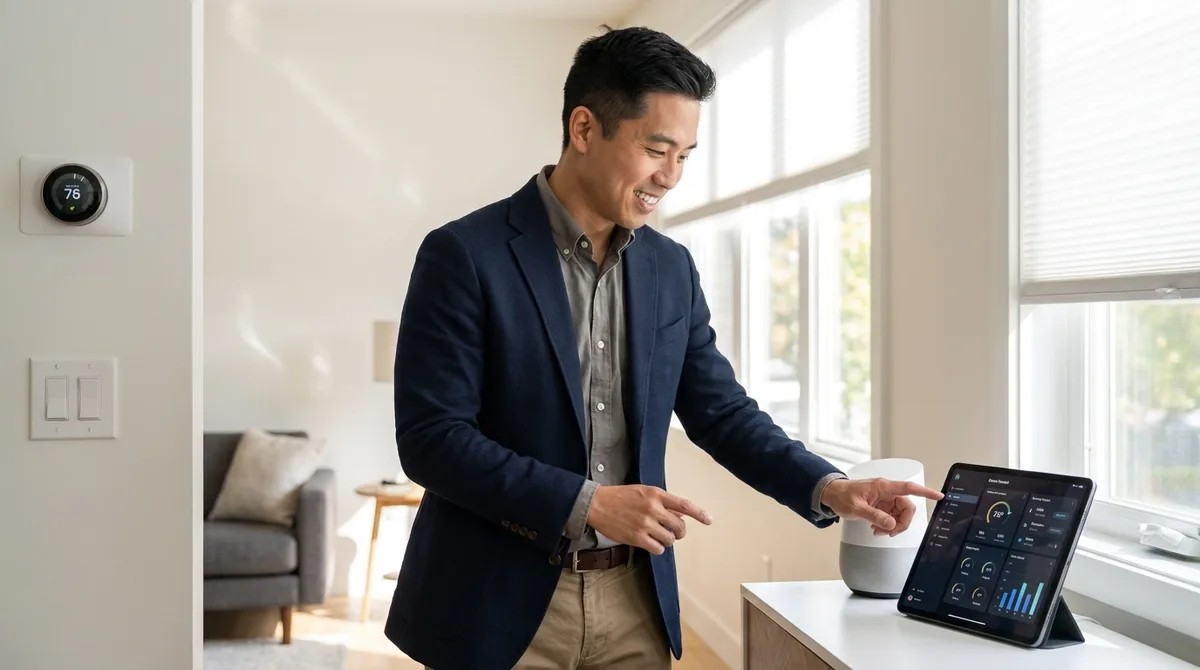 What Is Proactive AI and How Does It Work in Smart Homes? 14.09.2026 22minWhat Is Proactive AI and How Does It Work in Smart Homes? You've probably noticed your smartphone learning your habits—suggesting when to leave for work based on traffic, or dimming at bedtime without you asking. That same technology is now moving into your home, and what is proactive AI smart home technology comes down to this: systems that anticipate your needs before you express them, then act on those predictions automatically. Unlike traditional automation where you program every action, proactive AI observes your patterns and makes decisions for you. I've watched this shift happen across hundreds of installations, and the difference is significant—when it works correctly. Understanding what is proactive AI smart home capability means recognizing the gap between "the thermostat turns on at 6 AM" and "the thermostat learns you wake earlier on Tuesdays and adjusts accordingly." That distinction matters because it changes how you interact with your home daily. What Is Proactive AI in Smart Homes? Proactive AI refers to machine learning algorithms embedded in smart home devices or hubs that analyze your behavior patterns, environmental data, and contextual signals to predict w…
 -
 Best AI Smart Home Hubs with Predictive Learning 11.09.2026 29minBest AI Smart Home Hubs with Predictive Learning The best AI smart home hubs predictive learning systems don't just follow your commands—they anticipate them. You'll find hubs in this guide that learn when you typically arrive home, adjust lighting based on time of day patterns, and even pre-heat your home office before your morning routine starts. I've installed dozens of these systems, and the gap between marketing promises and actual learning capability is wider than most manufacturers admit. You're about to see which hubs deliver genuine pattern recognition versus those that simply run fancy timers. Each option below includes the protocols it supports, what it actually learns from your behavior, and the inevitable quirks I've watched homeowners troubleshoot in real installations. Samsung SmartThings Hub (2026 Edition) The supports Zigbee 3.0, Z-Wave Plus, Thread, Matter, and Wi-Fi, making it one of the most protocol-flexible hubs for predictive learning. Samsung's AI engine analyzes usage patterns across all connected devices and creates what they call "Inference Routines"—automations that trigger based on behavioral predictions rather than strict if/then rules. This hub …
 -
 Smart Home Trends: What's Shaping Home Automation in 2026 09.09.2026 27minSmart Home Trends: What's Shaping Home Automation in 2026 The smart home trends 2026 conversation is finally getting interesting—not because the technology is suddenly revolutionary, but because the cracks in the previous decade's "cloud-first, ask-questions-later" approach have become impossible to ignore. You're watching a rare moment where privacy concerns, protocol standardization, and user frustration are converging to reshape what "smart" actually means. I rebuilt my entire home automation system three years ago after discovering my devices were phoning home with telemetry I never authorized. Since then, I've watched the industry lurch toward a post-cloud reckoning, and 2026 is where the consequences finally land. What Are Smart Home Trends 2026? Smart home trends 2026 represent the industry's response to three simultaneous failures: fragmented ecosystems that locked users into single vendors, privacy scandals that eroded consumer trust, and over-reliance on cloud services that turned "smart" devices into expensive bricks during outages. The dominant narrative—pushed by manufacturers at CES and echoed in breathless product launches—focuses on AI assistants and predictive…
 -
 Understanding AI-Powered Home Automation and Predictive Routines 07.09.2026 20minUnderstanding AI-Powered Home Automation and Predictive Routines AI-powered home automation promises a future where your house anticipates your needs before you even think about them. The reality in 2026? Most of these systems are cloud-dependent surveillance tools that learn your patterns by shipping your behavior data to distant servers. But strip away the marketing hype, and there's a legitimate question worth answering: can predictive automation work without sacrificing your privacy? I've spent six months testing local AI implementations to find out. What Is AI-Powered Home Automation? AI-powered home automation refers to systems that use machine learning algorithms to analyze your behavior patterns and automatically adjust smart home devices without explicit programming. Instead of writing "if motion detected at 7 AM, then turn on kitchen lights," the system observes that you enter the kitchen at 7:03 AM every weekday and starts preheating your coffee maker at 7:00 AM—without you creating that rule. The key distinction: traditional automation follows rigid if/then logic you define. AI automation builds its own logic by watching what you do. Most commercial implementation…
 -
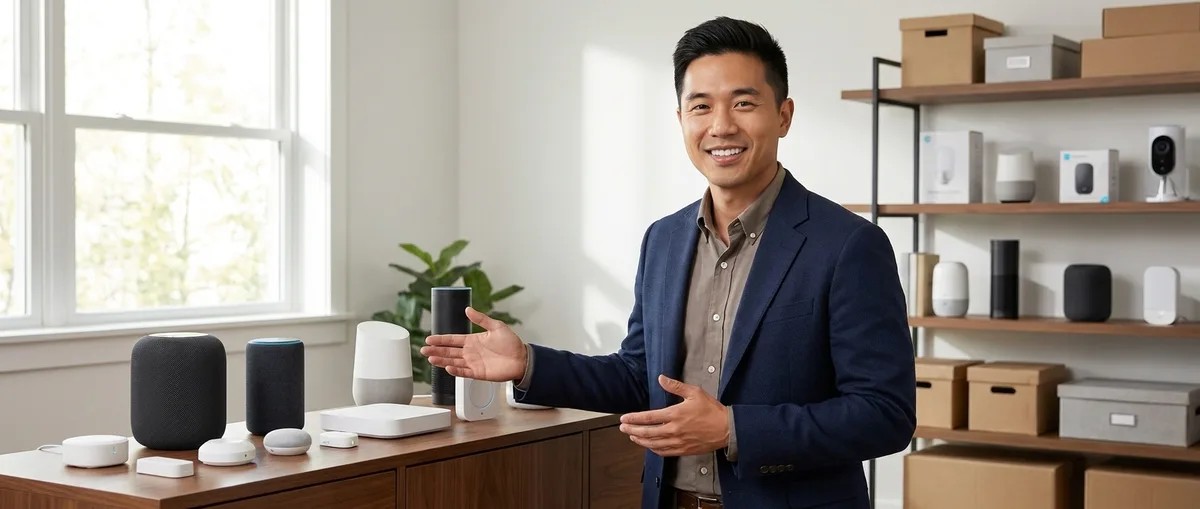 Thread vs Zigbee: Which Protocol Is Better? 04.09.2026 23minThread vs Zigbee: Which Protocol Is Better? If you're building a new smart home in 2026, Thread edges ahead for future-proofing and Matter integration, but Zigbee still dominates for device selection and proven reliability. This guide breaks down the thread vs zigbee protocol debate with compatibility requirements, real-world performance data, and specific scenarios where each protocol wins. I've installed systems using both protocols across hundreds of homes, and the choice isn't as simple as "newer is better." You'll need to understand how each protocol handles mesh networking, power consumption, hub requirements, and—most critically—which devices you can actually buy right now. Quick Comparison | Criterion | Thread | Zigbee | |-----------|--------|--------| | Device Selection (2026) | 300+ certified devices; growing rapidly | 3,000+ devices; mature ecosystem | | Hub Requirement | Requires Thread Border Router (Apple HomePod mini, Google Nest Hub 2nd gen, (/best-matter-compatible-hubs)) | Requires Zigbee coordinator (SmartThings, Hubitat, Home Assistant with USB dongle) | | Matter Compatibility | Native integration; Thread is Matter's preferred transport layer | Requires brid…
 -
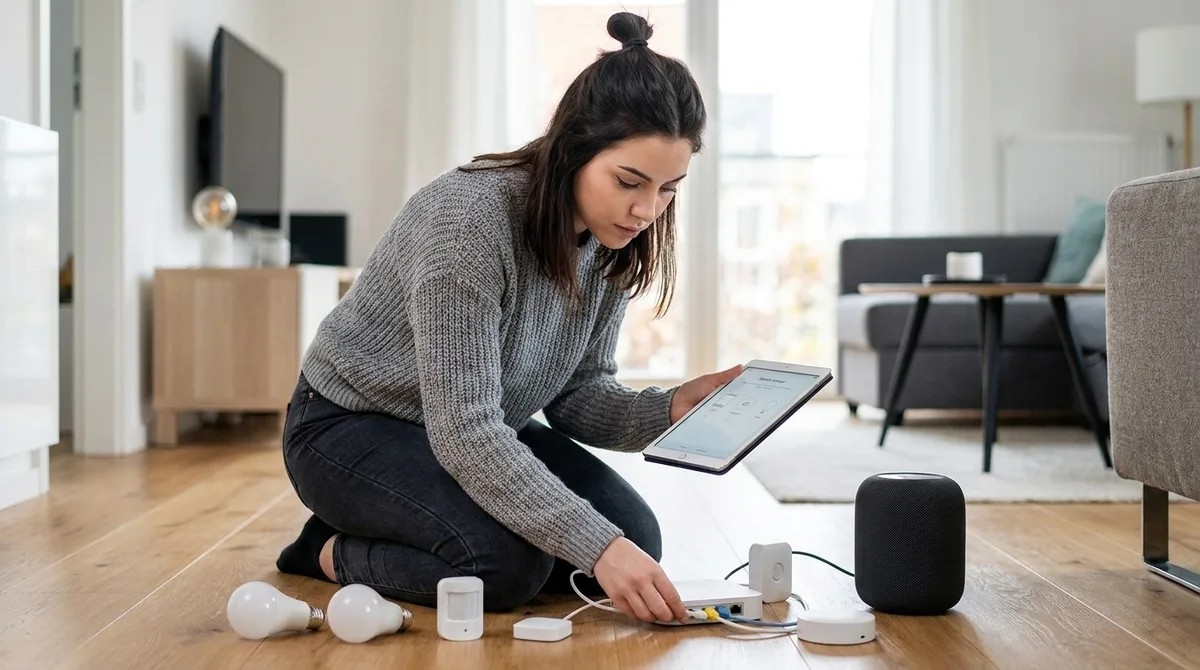 How to Migrate Your Existing Smart Home to Matter 02.09.2026 38minI've spent years building my smart home. I've wrestled with incompatible ecosystems, juggled separate apps, and accepted that my Philips Hue bulbs will never talk directly to my Samsung SmartThings sensors. Now Matter promises to fix all that—but the path to migrate your smart home to Matter isn't the plug-and-play upgrade the marketing teams want you to believe. Over the past eight months, I've systematically tested Matter migration strategies across three separate home installations. The good news: Matter works, and it can unify fragmented setups. The bad news: most of your existing devices won't support it, the process requires careful planning, and some ecosystems are deliberately making migration harder than it needs to be. This guide walks you through the actual technical steps to migrate smart home to Matter without replacing everything or losing the automations you rely on. You'll need intermediate technical skills, a weekend of focused work, and a clear understanding of which devices stay, which get replaced, and which protocols continue running alongside Matter. Skill level: Intermediate Time required: 6-12 hours over 2-3 days Expected outcome: A hybrid setup with …
 -
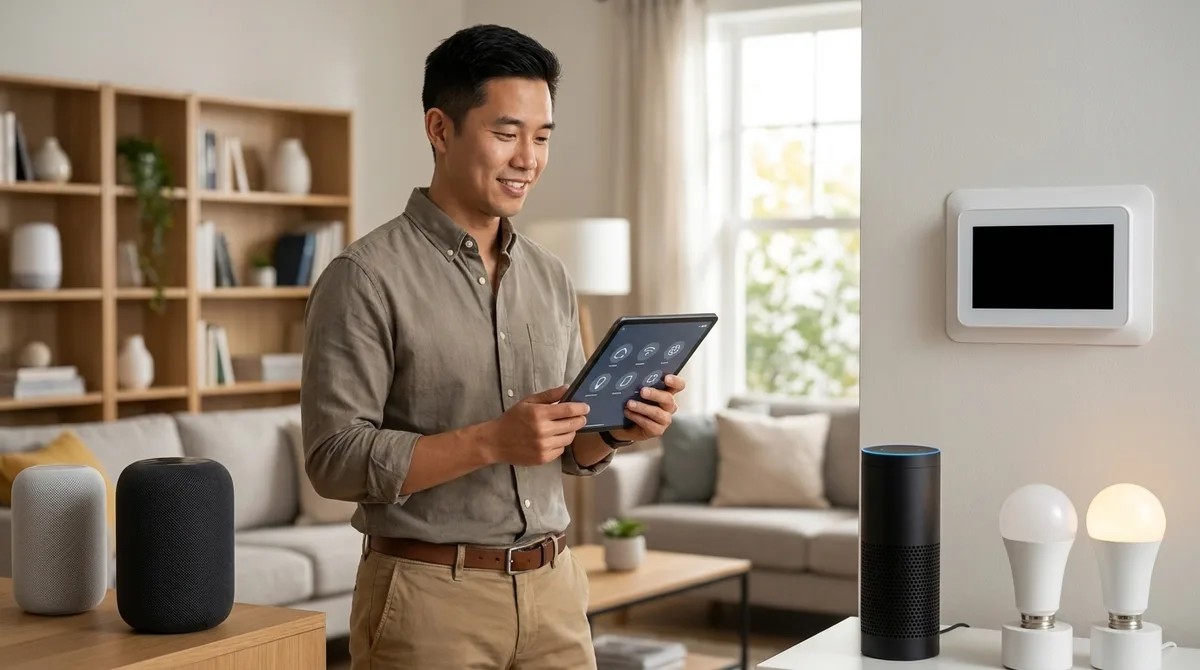 What Is Matter Protocol and How Does It Work? 31.08.2026 20minWhat Is Matter Protocol and How Does It Work? If you've been shopping for smart home devices lately, you've probably noticed "Matter" stamped on packaging alongside Wi-Fi, Zigbee, and Thread logos. But what is matter protocol, and why should you care when you're just trying to get your lights to work with Alexa? Matter represents the smart home industry's attempt to fix the compatibility nightmare that's frustrated homeowners since the earliest connected devices hit shelves. You'll find it changing which devices work together—and which hubs you actually need—starting in 2026. I've watched hundreds of homeowners struggle with incompatible ecosystems, and Matter is the first standard that actually addresses the root problem. What Is Matter Protocol? What is matter protocol? At its core, Matter is an open-source connectivity standard that lets smart home devices from different manufacturers communicate with each other—and with multiple voice assistants—without requiring brand-specific hubs or proprietary bridges. The (https://csa-iot.org/) (formerly the Zigbee Alliance) developed Matter with backing from Amazon, Apple, Google, Samsung, and over 500 other companies. Think of Matte…
 -
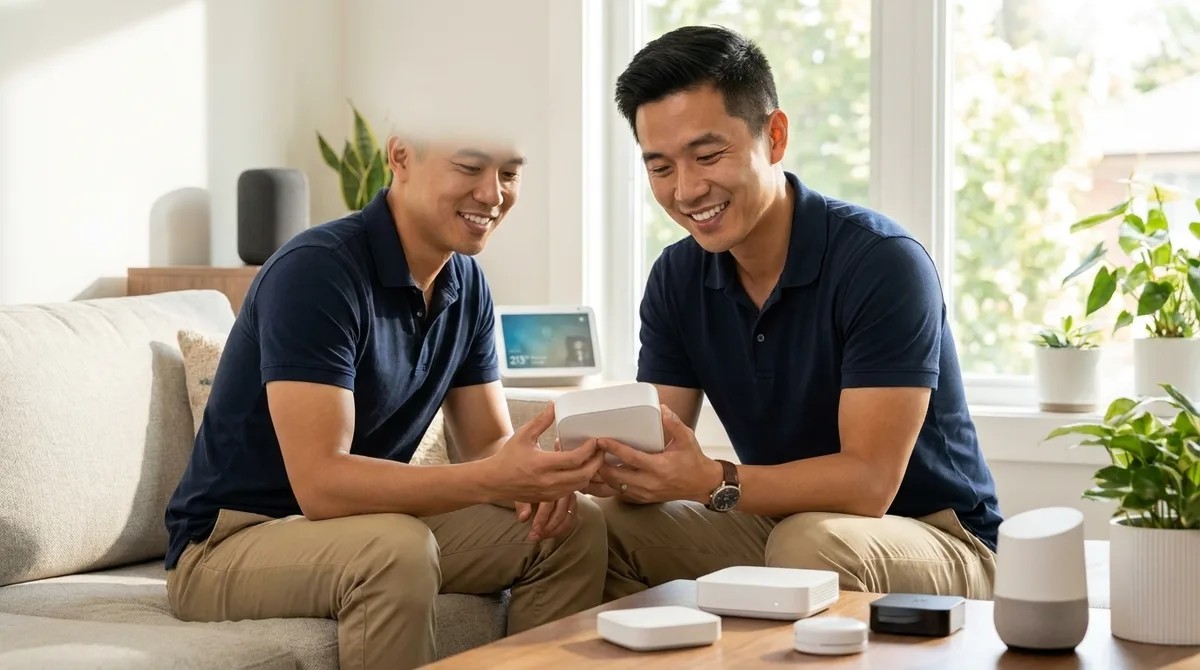 Best Matter-Compatible Smart Home Hubs 28.08.2026 31minBest Matter-Compatible Smart Home Hubs You've probably heard that Matter is finally delivering on its promise to unite your smart home devices, but choosing the right hub to anchor your Matter ecosystem makes the difference between a system that just works and one that needs constant troubleshooting. I've installed dozens of Matter-capable hubs over the past two years, and the best matter compatible hubs share three traits: reliable Thread border router performance, rock-solid network connectivity, and firmware that actually gets updated when new Matter device types arrive. You'll find those qualities across the eight hubs below, along with honest assessments of where each one stumbles. Now that (/what-is-matter-protocol) is becoming common knowledge among homeowners, the focus shifts to picking hardware that won't bottleneck your setup. Apple HomePod mini (2nd Generation) The serves as both a capable smart speaker and a Thread border router with Matter controller functionality baked into its HomeKit architecture. You'll get Wi-Fi 6E support and Matter 1.3 compatibility, making this one of the best matter compatible hubs for anyone already invested in the Apple ecosystem. Thi…
 -
 Raspberry Pi Zero Home Automation 26.08.2026 38minRaspberry Pi Zero Home Automation: A Design-First Approach to Invisible Control The beauty of raspberry pi zero home automation lies not in the device itself—a modest circuit board the size of a business card—but in how completely it can disappear. Over the past decade, I've watched clients grow weary of smart home setups that announce themselves: tablets mounted on walls, hubs blinking on countertops, voice assistants perched on nightstands like digital sentries. The Raspberry Pi Zero offers a different path. Tuck it behind a bookshelf, nest it inside a console table, mount it beneath a floating credenza—and from that hidden position, orchestrate lighting shifts, climate adjustments, and presence detection that feels intuitive rather than technological. This guide walks you through building a raspberry pi zero home automation system that prioritizes lived experience over visible gadgetry. You'll learn to select protocols that suit your existing architecture, configure the logic that drives daily rituals, and troubleshoot the friction points that separate reliable automation from experiments that frustrate. Expect to spend a focused weekend on initial setup—longer if you're routi…
 -
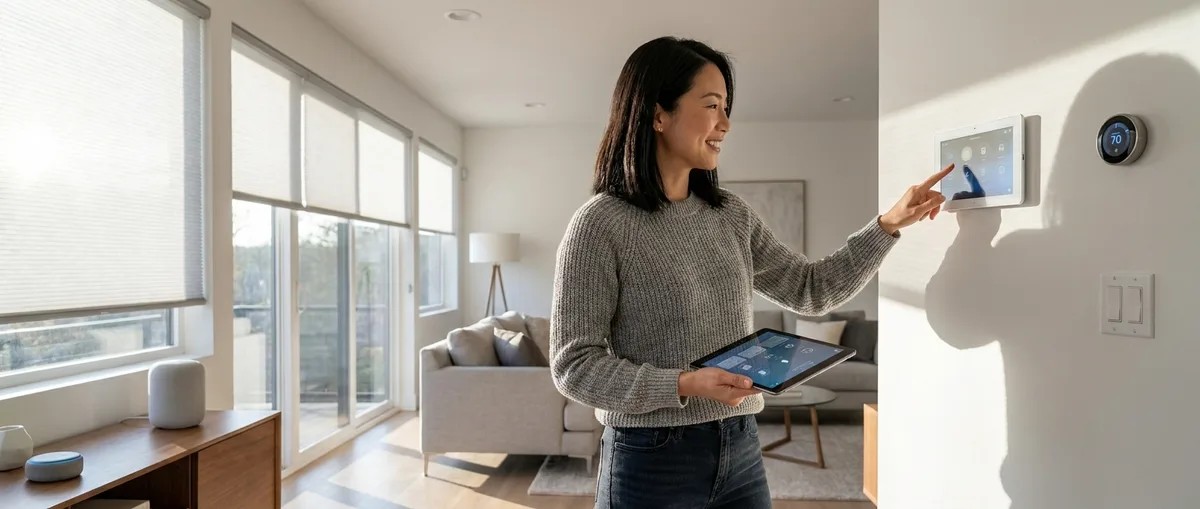 Smart Home Tour 24.08.2026 27minSmart Home Tour: 10 Spaces That Prove Technology Should Be Felt, Not Seen A thoughtfully designed smart home tour reveals how automation can enhance daily life without visual intrusion—where technology recedes into architecture and routines unfold as if by instinct. The best smart home implementations disappear completely, leaving only comfort, efficiency, and the quiet satisfaction of spaces that anticipate your needs before you articulate them. This smart home tour walks through ten distinct spaces where protocol choices, sensor placement, and automation logic create environments that respond to presence, time, and context. Each room demonstrates how invisible intelligence transforms ordinary moments—morning light that shifts with circadian rhythms, climate that adjusts to occupancy, security that activates without conscious thought. The Entryway: Presence Detection That Orchestrates Arrival The front door becomes a trigger point for cascading automations when equipped with Zigbee contact sensors paired with mmWave presence detection mounted discreetly above the door frame. Unlike PIR motion sensors that require movement, mmWave radar detects stationary presence and breathing…
 -
 Budget Smart Home Under 100 21.08.2026 27minBudget Smart Home Under $100: The Invisible Intelligence Approach I've watched countless clients freeze when they tally the costs of their dream smart home—the mental math spiraling past a thousand dollars before they've automated a single light. But here's what I learned from a rental apartment project in Portland: a budget smart home under $100 doesn't mean compromising on the feeling of intelligence in your space. It means choosing moments over sprawl, automation over accumulation. The verdict? You can create three transformational automations that shift how a home feels—morning light that greets you gently, security that whispers rather than announces itself, and climate that adapts without fuss—all for the price of a nice dinner out. The constraint becomes the design principle. When you can't afford to wire every room, you choose the threshold moment, the transition space, the one automation that cascades into the rest of your day. What to Look For in a Budget Smart Home Starter Kit Protocol compatibility shapes everything that follows. When budgets tighten, the temptation is to grab whatever's cheapest today—but if your first device runs on Wi-Fi and your second requires …
 -
 Best Smart Home Automation Ideas For Beginners 19.08.2026 31minBest Smart Home Automation Ideas For Beginners Picture this: you walk through the front door at dusk, and without reaching for a single switch, the living room glows with warm light—not stark overhead glare, but pools of illumination from lamps you've never actually turned on. The thermostat has already nudged the temperature up by two degrees, anticipating your arrival. Your favorite evening playlist fades in at low volume. Nothing beeps. No app opens. You simply step into a space that knows you're home. That's what the best smart home automation ideas for beginners should deliver: environments that respond to your rhythms, not devices demanding your attention. If you're new to home automation, the goal isn't to fill your rooms with gadgets—it's to build invisible routines that make daily life feel lighter, more intentional, and surprisingly calm. Quick verdict: Start with lighting and presence detection using Zigbee or Matter devices paired with a multi-protocol hub, layer in climate automation with native smart thermostats, then add motion-activated scenes that trigger based on time, occupancy, and natural light levels. Focus on what you *feel* before you notice the tech. Wh…
 -
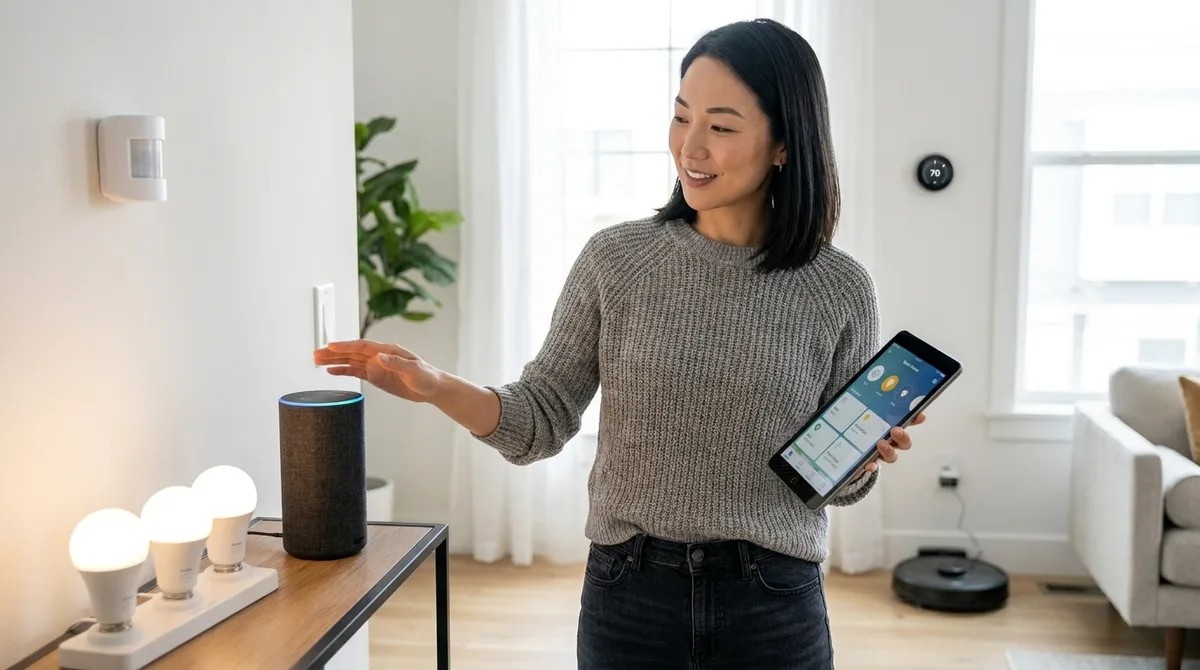 How To Start Smart Home From Scratch Step By Step 17.08.2026 26minHow To Start Smart Home From Scratch Step By Step Building a home where technology whispers rather than shouts requires a different approach than most guides suggest. This article walks you through how to start smart home from scratch step by step—not as a collection of gadgets, but as a layered system that responds to the rhythms of daily life. You'll learn to identify which spaces benefit most from automation, select protocols that work together reliably, and establish a foundation that grows with your needs without creating visual or technical chaos. Expect to invest 2-3 weekends for the initial setup, plus ongoing refinement as you observe how your household actually moves through the day. No prior technical experience required, though comfort with smartphone apps and basic Wi-Fi troubleshooting helps. The goal: a home that anticipates your needs before you consciously register them. What You'll Need - Hub or central controller (options include Apple HomePod mini for Thread/Matter, Hubitat Elevation for local Zigbee/Z-Wave, or Samsung SmartThings for multi-protocol support) - Wireless router with 2.4 GHz and 5 GHz bands (minimum Wi-Fi 5; Wi-Fi 6 preferred for Thread border r…
 -
 Future-Proof Smart Home: Building a System That Won't Be Obsolete Tomorrow 12.08.2026 28minFuture-Proof Smart Home: Building a System That Won't Be Obsolete Tomorrow You're about to drop serious money on devices that could be paperweights in five years. I've watched homeowners invest thousands in proprietary ecosystems—only to see manufacturers shut down cloud services or abandon protocols entirely. Building a future-proof smart home means making deliberate choices about which communication standards, hub architectures, and automation approaches will survive the inevitable industry shake-ups. You'll learn exactly which protocols are built to last, how to structure your system so it adapts rather than dies, and which compatibility traps to avoid before you buy a single device. What Is a Future-Proof Smart Home? A future-proof smart home is a connected device ecosystem designed with protocol flexibility, manufacturer independence, and upgrade paths that let you add new technology without rebuilding from scratch. You're choosing devices and hubs that speak open standards rather than proprietary languages—so when Company X discontinues your smart lock, you can replace it with Company Y's model without reconfiguring your entire system. In my experience, the difference bet…
 -
 How to Build Automation Logic That Works Across Platform Updates 10.08.2026 25minHow to Build Automation Logic That Works Across Platform Updates You'll learn how to design platform independent smart home automation routines that survive firmware updates, app redesigns, and ecosystem changes. This guide covers the specific architectural decisions that keep your automations running regardless of which company pushes an update tonight. You'll need basic familiarity with your smart home platform's automation editor and about 2-3 hours to audit and restructure your existing routines. If you've ever had an automation mysteriously stop working after an update, this approach prevents that frustration. The difference between automations that break and those that endure comes down to how you structure the logic itself. I've seen homeowners rebuild the same routine four times in a year because they built it in a way that tied directly to temporary platform features. Platform independent smart home automation isn't about avoiding updates—it's about writing logic that doesn't depend on fragile connections. What You'll Need Before restructuring your automations, gather these prerequisites: - Access to your platform's automation editor (Home Assistant, SmartThings, Hubi…
 -
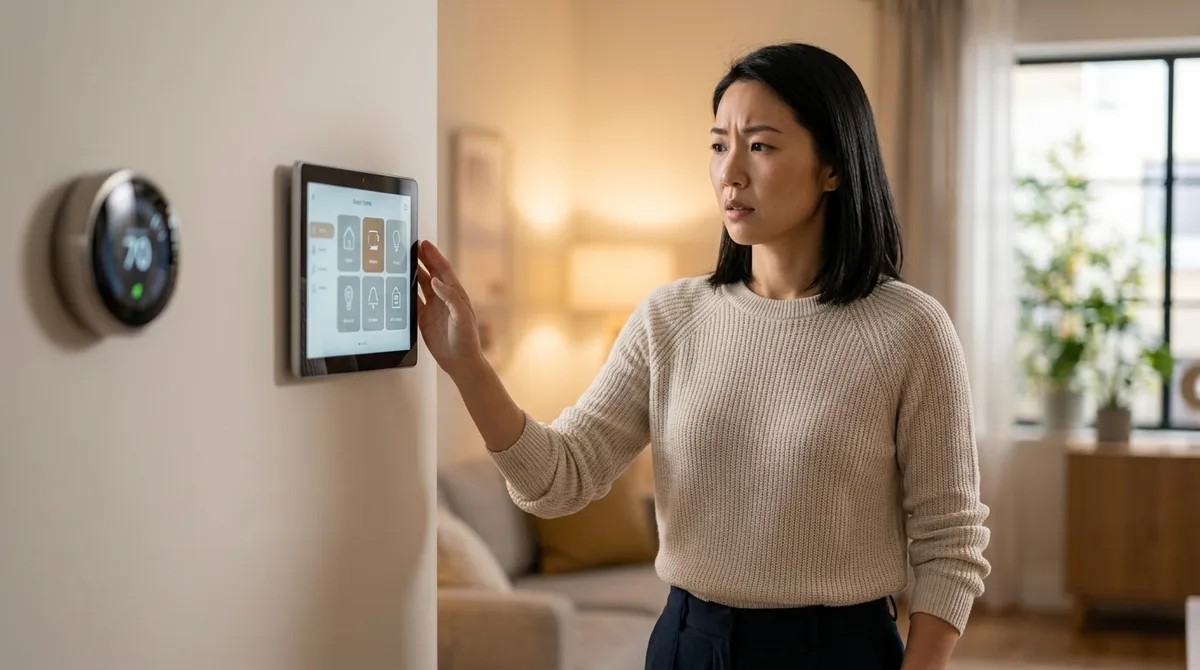 Understanding Smart Home Automation Fallback Behaviors and Reliability 07.08.2026 26minUnderstanding Smart Home Automation Fallback Behaviors and Reliability The most elegant automation is the one you never have to think about—until something breaks. A home that adjusts lighting as the sun sets, that anticipates your arrival and warms the space before you step through the door, creates an almost imperceptible rhythm. But when a sensor fails, when a protocol update disrupts your logic, when the internet drops at precisely the moment a routine should trigger, the illusion shatters. Smart home automation fallback behaviors determine whether your space degrades gracefully into manual control or plunges into confusion, lights frozen mid-scene, thermostats locked at inconvenient temperatures. Understanding how systems respond when the primary path fails transforms technology from a fragile dependency into a resilient layer woven quietly into the architecture of daily life. What Are Smart Home Automation Fallback Behaviors? Fallback behaviors are the predetermined responses your smart home system executes when a primary automation path becomes unavailable. They answer a deceptively simple question: what happens when the expected doesn't occur? In practical terms, this m…
 -
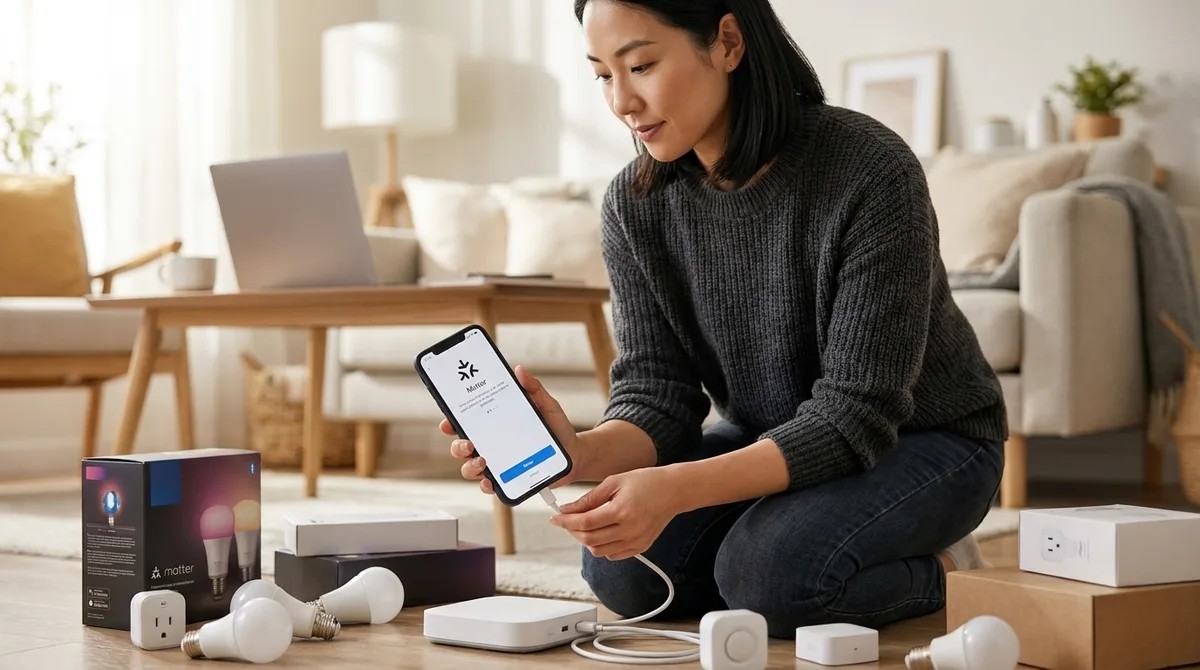 How to Migrate Your Existing Smart Home to Matter Protocol 05.08.2026 31minHow to Migrate Your Existing Smart Home to Matter Protocol Matter arrived with a promise most of us had stopped believing was possible: devices that speak to one another regardless of who made them. For those of us who've watched clients wrestle with incompatible systems—a Philips Hue bridge that won't talk to a SmartThings hub, a Yale lock that demands its own app—the prospect of a unified protocol feels like opening windows in a room that's been sealed too long. Learning to migrate smart home to matter isn't just about updating firmware; it's about reclaiming the seamless experience that drew you to automation in the first place, without tearing out walls or abandoning devices you've already woven into your daily rhythms. This guide walks through the migration process step by step, addressing which devices can transition gracefully, how to maintain existing automations during the shift, and what to do when legacy protocols need to coexist with the new standard. Expect to invest 4-6 hours for a typical home with 15-25 devices, spread across several evenings. The technical complexity sits at intermediate level—comfortable with app navigation and basic networking, but no coding re…
 -
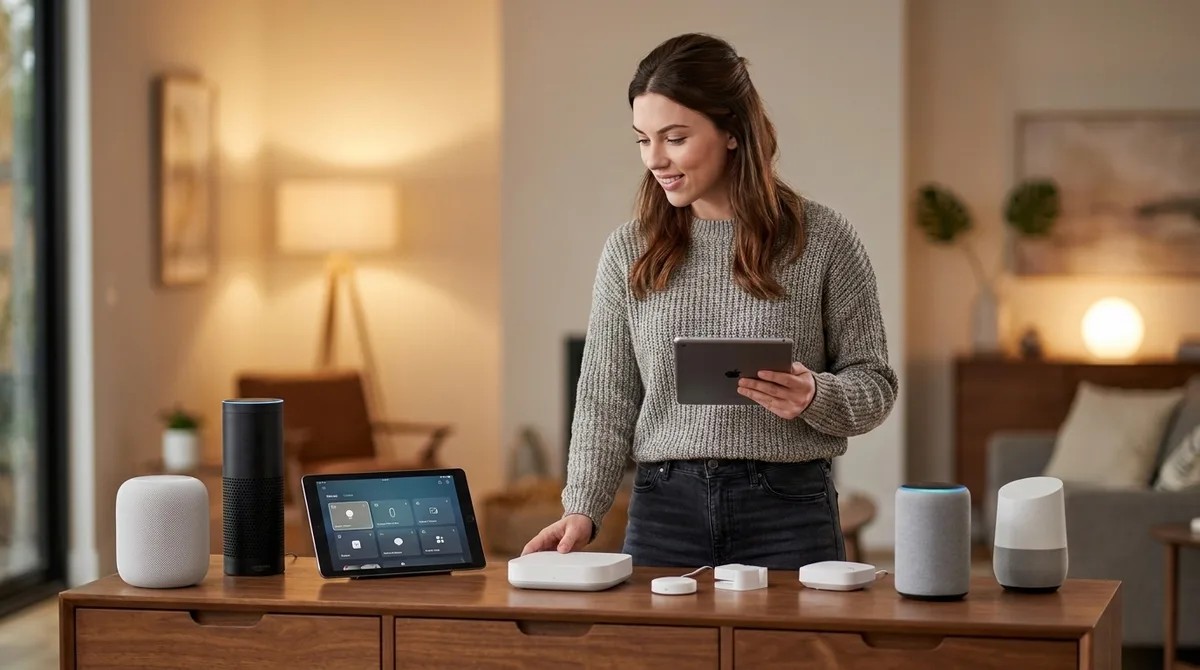 Best Multi-Protocol Smart Home Hubs That Support Legacy Devices 03.08.2026 33minBest Multi-Protocol Smart Home Hubs That Support Legacy Devices I watched a reader spend three hours last week trying to get his 2019 Z-Wave door lock to talk to his new Matter network. His hub didn't speak Z-Wave. His automation went silent. He couldn't lock his door from bed anymore. Multi-protocol smart home hubs are the bridges between your old ecosystem and the new one, keeping your legacy Zigbee sensors, Z-Wave switches, and even ancient Wi-Fi bulbs alive while you migrate to Thread and Matter. The best ones don't just support multiple protocols—they translate between them locally, without routing your "door unlocked" events through someone else's cloud server. But most still phone home more than you'd think. I've tested every major hub released in the past two years, running packet captures on each one to see exactly where your data goes. Some hubs claim "local control" while still uploading device lists, state changes, and network topology to vendor servers. Others genuinely run automations offline—until a firmware update quietly enables telemetry. If you're coming from (/migrate-smart-home-to-matter), you need a hub that respects your privacy while keeping your investme…
Podcast simili


Popolare in
Questo podcast compare anche nelle classifiche dei podcast di questi paesi.

