
Hands-On Apple (Audio)
TWiT
0
Hands-On Apple explores and explains the Mac and other Apple devices. Host Mikah Sargent shares tips and tricks for macOS, iOS, iPadOS, watchOS, built-in apps, App Store apps, and accessories. The show covers Terminal commands, little-known settings, and operating system updates. New episodes are released weekly.
Episodes
-
 Hands-On AI Turns AI Confusion Into AI Confidence 15.10.2026 2mHands-On AI is the show that turns AI confusion into AI confidence. In this trailer, Mikah Sargent lays out what the show is and isn't: short, focused episodes — most 10 to 15 minutes — that take one question, one tool, or one technique at a time. Some weeks go under the hood on what a large language model is actually doing. Some weeks get practical: the AI already in your pocket, or a model running entirely on your own computer. And some weeks are honest verdicts on the tools everyone's talking about.Subscribe now!
-
 HOA 250: Create Your Own Wallet Passes 24.09.2026 20mTired of waiting for your favorite gym, library, or coffee shop to offer digital cards? With iOS 27, you can finally make your own custom Apple Wallet passes for any barcode or QR code, no third-party apps needed. Physical loyalty cards now easily added to Apple Wallet with iOS 27 "Create a Pass" feature lets users digitize any barcode or QR code Three wallet pass templates: Standard, Membership, and Event Apple Intelligence enables automatic code scanning on supported iPhones Passes can include color themes, icons, member info, and custom fields Sharing passes with family members now possible...
-
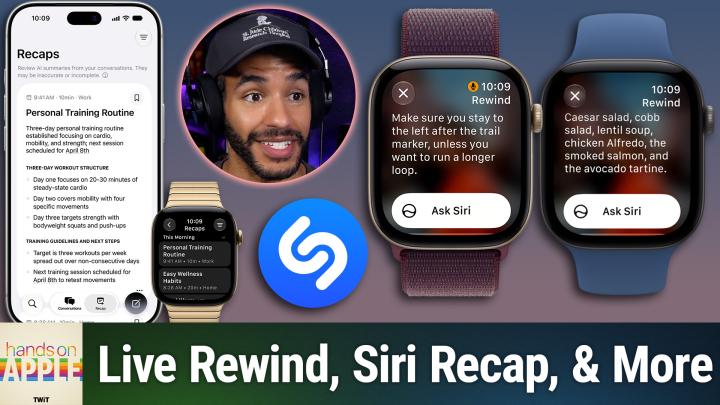 HOA 249: Explaining Audio Intelligence 17.09.2026 20mApple Watch's new Audio Intelligence tools promise instant transcriptions and meeting summaries without keeping your recordings. But is the S11 chip's privacy tech strong enough to calm nerves on both sides of the conversation? Apple Watch Audio Intelligence: Four Features, One Secure Chip Sound Recognition and Shazam: Always-On Environmental Listening Live Rewind: 15-Second Instant Replay With Privacy Safeguards Siri Recap: Automated Meeting Summaries, Not Full Transcripts Privacy, Secure Exclave processing, and Cloud Summarization Explained Usage Limits, Age Restrictions, and Launch Timeline...
-
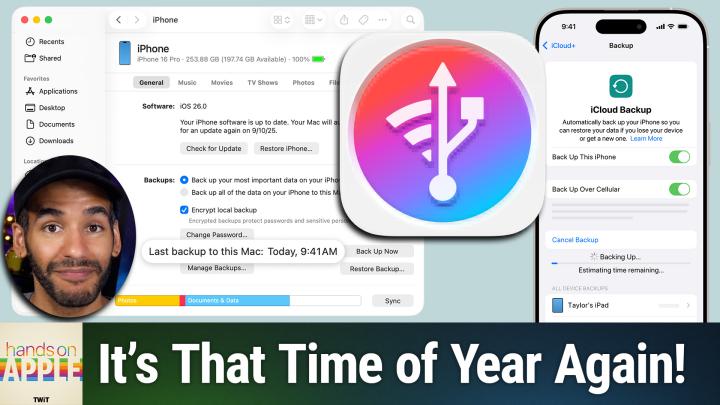 HOA 248: Options for Backing up Your iPhone 10.09.2026 18mWith new iPhones shipping and major iOS updates around the corner, now is the moment to protect your info. Mikah shows the overlooked features and essential steps that keep your data truly safe. You might be missing crucial areas and not even know it! iCloud Backup: how it works, what it includes, and limitations Key differences between synced data and backed-up data Backing up locally to Mac or PC: process and pros How to back up via Finder on macOS and Apple Devices app on Windows Managing and locating your iPhone backups on Mac and PC Importance and benefits of encrypting local backups Usin...
-
 HOA 247: The Apple TV App 03.09.2026 24mThe Apple TV app's constant renaming and feature shuffling have left users wondering where their watchlists vanished and what each oddly similar label actually means. Mikah Sargent untangles the confusion and reveals why your streaming experience might be missing more than you think. Identifying Watchlist and Continue Watching rows on iOS How to add, find, and remove shows from Watchlist and Continue Watching Syncing watch progress and lists across Apple devices Which streaming services and apps connect to Apple TV app Navigating Apple TV channels vs. third-party connected apps Missing Netflix...
-
 HOA 246: Set-It-And-Forget-It Accessibility Upgrades 27.08.2026 20mYou're missing out if you haven't explored Apple's accessibility menu. Mikah spotlights simple tweaks that solve real problems for everyone, not just those who need them. These are features you can toggle once, and love forever! Reducing car sickness with Vehicle Motion Cues and customizable dots Flash for Alerts: flash notifications with LED or screen for incoming calls and texts Custom haptic vibrations for messages and contacts Built-in white noise machine: Background Sounds on iPhone, iPad, and Mac Music Haptics: feeling rhythms and beats through the Taptic Engine Host: Mikah Sargent Downl...
-
 HOA 245: Retrain Your Fingers for watchOS 27 20.08.2026 11mConfused by the Apple Watch's shifting gestures and button functions? Mikah Sargent breaks down the new logic, revealing how a simple mantra can help you master your device's next overhaul. watchOS 27 overhauls Apple Watch button functions and navigation Breaking old muscle memory: changes to Digital Crown, side button, Siri Digital Crown press reveals new dynamic app switcher and app list Scrolling Digital Crown now brings up the Smart Stack of widgets Side button revamps: Control Center, Apple Pay, Emergency SOS/Power Dynamic app grid's recent and context-based app selection Updated Apple Wa...
-
 HOA 244: Live Text & Visual Look Up 13.08.2026 15mStop fumbling with serial numbers, plant names, or care tags. Discover quick, practical tricks to turn your iPhone's camera into a powerhouse for instant web answers and hassle-free text capture. Enabling Live Text and checking device and language compatibility Using Live Text in Photos, Camera, and Notes for text selection Tips for extracting phone numbers, emails, and addresses with Live Text Scanning serial numbers and copying image text across Apple devices Identifying plants, animals, landmarks, and more with Visual Lookup Visual Lookup for laundry symbols and car dashboard lights Trouble...
-
 HOA 243: iPhone Display vs. Your Eyes 06.08.2026 20mIf you have kids using iPhones, Screen Distance might already be enforcing healthy habits without you knowing it. Find out how iOS screen features, like Bold Text and True Tone, are shaping digital wellness for your eyes and your family. Setting up and using Screen Distance on Face ID devices Night Shift: color temperature adjustments and sleep science skepticism True Tone vs. Night Shift: real-time white balance adaptation Additional display tweaks: Auto-Brightness, Reduce White Point, Larger Text Tracking outdoor time with Apple Watch's Time in Daylight Outdoor time as a proven method to red...
-
 HOA 242: Understanding Apple Upgrade 30.07.2026 14mApple just replaced its iPhone Upgrade Program with a device leasing model run by Klarna, and you might end up paying more for devices you never actually own. Find out what happens when your monthly payments end in this episode covering Apple Upgrade! Apple launches Apple Upgrade device lease, replacing iPhone Upgrade Program Klarna partnership explained: application, credit check, and payment limitations Lease requirements: activation, payments, trade-ins, and pickup rules Device condition, damage, and loss policies under Apple Upgrade Canceling early, returns, and keeping financed accessorie...
-
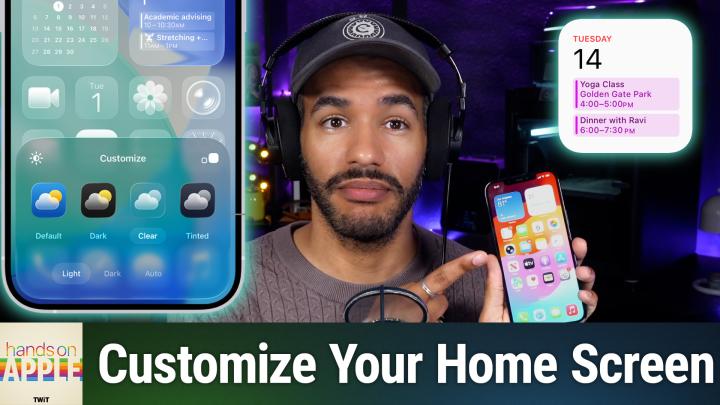 HOA 241: iOS Home Screen Customization 23.07.2026 15miOS 26 conveniently puts you in charge of your iPhone home screen with deep design tools hidden behind a single long press. Discover how Apple's new Liquid Glass and tinted themes finally let your wallpaper and icons reflect your style. Jiggle mode and edit tools enable deep icon appearance tweaks Exploring Light, Dark, Clear, and Tinted home screen styles Using tints and saturation sliders for unique color coordination Rearranging app icons to highlight wallpaper and key visuals Adding, editing, and customizing widgets on the home screen Hiding, deselecting, or deleting home screen pages safe...
-
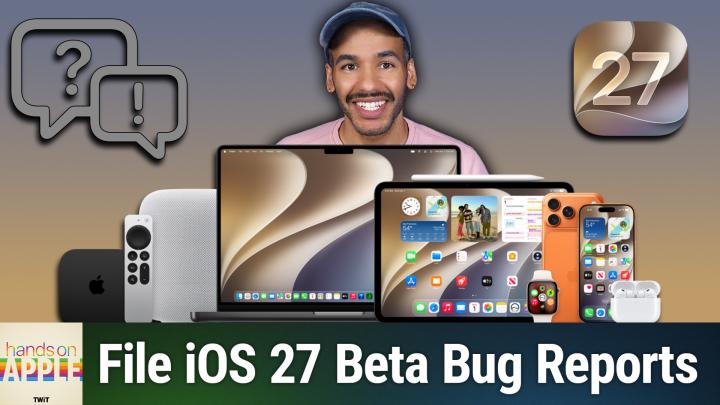 HOA 240: Feedback in the Apple Public Beta Program 16.07.2026 26mReady to install the iOS 27 public beta? Skip common mistakes and learn Mikah's straightforward method for filing some reports that may actually get results. Back up devices and expectations for public beta testers Step-by-step guide to enrolling in Apple's public beta program Understanding your role and responsibilities as a beta tester The importance of submitting clear, actionable feedback to Apple How to use the Feedback app and provide diagnostic data Attaching screenshots and recordings to feedback for clarity When to refile persistent bugs and avoid reporting third-party app issues Host...
-
 HOA 239: Photographic Styles 09.07.2026 10mEver wish your iPhone could capture your photos with a look that actually feels like you? Learn how Apple's photographic styles hand you control over color, tone, and even skin tones, with no generic filters required. Differences in photographic styles between older and newer iPhones How to set up and select photographic styles in iOS settings Exploring and customizing style presets like amber, gold, and rose gold Using the control pad to fine-tune tone, color, and intensity Adjusting or resetting styles, plus limitations on older versus newer devices Saving and editing photo styles after capt...
-
 HOA 238: Using Back Tap on iPhone 02.07.2026 12mTransform your iPhone interaction with a neat double-tap feature that most users have never noticed in the settings menu. Find out how to program the back of your phone for quick actions like taking a screenshot, launching your favorite app, or automating nighttime routines. Finding and enabling Back Tap in Accessibility settings Double tap and triple tap back actions explained How Back Tap uses sensors, not physical buttons Assigning system, accessibility, and device actions to Back Tap Using Back Tap to trigger shortcuts for custom automations Practical uses and avoiding accidental activatio...
-
 HOA 237: StandBy Mode 25.06.2026 13mYour iPhone can quietly transform into a customizable bedside clock, calendar, and smart photo frame with just a simple orientation tweak. Discover how StandBy mode reveals features you probably didn't know your device had. StandBy requirements: charging, landscape mode, and settings toggle Always-on display boosts StandBy, but older iPhones work too Configure StandBy's display options, night mode, and motion to wake Explore StandBy's three main views: widgets, photos, clocks Customizing widget stacks, adding photos, and picking clock styles Now Playing and live activity controls integrate wit...
-
 HOA 236: macOS Stickies 18.06.2026 12mAre you overlooking a classic built into every Mac? Mikah Sargent challenges you to give Stickies a week and find out if it deserves a permanent spot on your desktop. Fast, frictionless note taking without accounts or setup Formatting features: fonts, colors, graphics, and text enhancements Color-coded Stickies for easy organization and quick reference Advanced options: floating notes, translucency, keyboard shortcuts Stickies' limitations: local-only, no device syncing or security features Host: Mikah Sargent Download or subscribe to Hands-On Apple at https://twit.tv/shows/hands-on-apple Want...
-
 HOA 235: Translate App 11.06.2026 16mYour iPhone has a powerful translation toolkit built right in, ready to tackle menus, emails, and street signs (in over 20 languages) without any extra apps or subscriptions. Discover how to get the most out of features you might not even know exist, from real-time conversation mode to camera translations. Supported languages and translation options overview Translating and pronouncing text, saving phrases for quick access Utilizing conversation mode for real-time bilingual communication Switching between side-by-side and face-to-face translation views Activating auto-translate and automatic l...
-
 HOA 234: Changing Your Default Search Engine 04.06.2026 19mTired of Google's AI overviews? This episode breaks down your actual options for search alternatives on iPhone, iPad, and Mac, including tips most Apple fans have never tried. See just how easy it is to reclaim your Safari searches with an alternative engine and take back control on your Apple devices. How to change Safari's search engine on iPhone Limitations: can't remove Google everywhere, only in Safari Search engine options: Google, Yahoo, Bing, DuckDuckGo, Ecosia explained Private browsing: set different search engines for privacy Tuning search suggestions and privacy settings in Safari...
-
 HOA 233: Apple Watch Customization 28.05.2026 16mMost Apple Watch users never bother to customize the screen they check dozens of times a day. This episode shows how a quick face makeover can actually streamline your routines and keep you focused. Customizing Apple Watch faces using the Watch app on iPhone How to switch and organize Apple Watch faces Restoring swipe-to-switch watch face option in settings Editing and reordering watch faces in the Watch app Complications turn watch faces from decorative to functional Building a rotation of faces for different activities or moods Syncing watch faces to Focus Modes for dynamic switching Sharing...
-
 HOA 232: Activity Monitor 21.05.2026 32mLearn why Activity Monitor is the macOS tool experienced users trust first to diagnose hidden memory drains, runaway CPU usage, and behind-the-scenes energy hogs. Mastering a single built-in tool can put real-time answers and expert-level control right at your fingertips. Quick Access Methods: Spotlight, Finder, and Utilities Folder Five Main Tabs: CPU, Memory, Energy, Disk, and Network Explained Sorting and Identifying Resource-Heavy Processes in CPU Tab Understanding Percent CPU, Multi-Core Macs, and High Usage Scenarios Spotting and Managing Frozen or Runaway Apps via Activity Monitor The I...
Similar podcasts


Popular in
The podcast also appears in the podcast charts of these countries.
