
Mac Geek Gab — Apple Tips, Tricks, and Troubleshooting
Dave Hamilton, Pilot Pete & Adam Christianson
0
Mac Geek Gab is a weekly podcast where hosts Dave Hamilton, Adam Christianson, and Pilot Pete answer Apple tech questions from listeners. They share tips, tricks, and troubleshooting advice for Mac, iPhone, iPad, and other Apple devices. The show is delivered in a fun, friendly style suitable for both geeks and everyday users.
Episodes
-
 Stuck in a Drag State 16.11.2026 1h 10mKick off Mac Geek Gab 1168 with a stack of Quick Tips: watch your place in the hold queue count down right in the Dynamic Island with Hold Assist, put the same app icon on two home screens, and jump straight to your home folder with Shift-Command-H (plus its Go-menu siblings). You’ll squeeze a 30-second long exposure out of your iPhone by triggering it from your Apple Watch, ditch the Write with Siri popover by switching to Siri Classic in Screen Time, collapse every Apple Notes folder with a single Option-click, slip a photo past prying eyes with Invisible Ink, and spot the unsent drafts Mess...
-
 Your Data Took the Scenic Route 09.11.2026 1h 8mBring back a tap-to-stop button for alarms and timers in iOS 26 with one Accessibility setting, then let Siri do the math when you ask for a timer that ends at a specific time. You’ll also learn how tapping the time in Apple Podcasts shows when your episode will actually finish at your listening speed, why your Apple Watch’s suggested replies suddenly got smarter, and how your cursor can glide between two Macs sitting side by side. Plus, fix shared external drives that refuse to let you write by checking the volume’s permissions, and find out why Siri AI can fail when Tailscale routes you thro...
-
 Seventeen Hours to Save Five Minutes 02.11.2026 1h 21mHold Option while you drag a window edge and your Mac resizes around its center, and that’s just the start of what the Option key unlocks, from hidden Wi-Fi diagnostics to extra Bluetooth details in your menu bar. You’ll also learn how to update every Apple TV in the house straight from the Home app, why toggling Cellular Data revived an iPhone after iOS 27.2 when a reboot didn’t, what Reset Network Settings really costs you, and how a few well-named Notes give Siri’s new personal context something worth remembering. Plus the gang compares how they’re actually using AI right now, from Claude s...
-
 Wake Up, It’s Time to Go to Sleep 26.10.2026 1h 18mKick off Mac Geek Gab 1165 with a stack of Quick Tips: find the four new options hiding in iOS 27’s jiggly-icon mode, see how Messages remembers where you were when you jump back through a thread, and control which direction Photos moves after you delete a shot. You’ll keep a stubborn printer visible just by leaving Print Center open, play your favorite podcasts through your Mac with iPhone Mirroring, and turn StandBy into a desk-side HomePod remote. Then it’s AI time: update the model on your scheduled agents before they quietly run on last year’s brains, get Siri AI’s full answers on iPhone...
-
 Cool Stuff Made for an Audience of One 19.10.2026 1h 21mMac Geek Gab 1164 is all about Cool Stuff Made, the apps you built and sent in, starting with Tap2Click, which finally gives your Magic Mouse a quiet tap-to-click. You’ll hear why rough-draft coding with AI is changing who gets to build Mac software, and how Dave’s own Ottograph fixed per-alias signatures in Apple Mail in a single evening. Then Pilot Pete, Adam Christianson, and Dave Hamilton show you BAM for auto-quitting idle Mac apps and scheduling shutdowns, HEVCut for shrinking iPhone videos to reclaim storage, and WatchBlocks, a full sandbox survival game that runs on your Apple Watch. N...
-
 Emphatically Kind Requests 12.10.2026 1h 17mCustomize your Finder icons for instant recognition, stretch your Apple Watch battery on long workouts with Low Power Mode, and jump months back in your Messages history with a single tap. You’ll also learn how to force macOS 27 to download from Terminal when Software Update won’t show it, and how to run separate Claude Desktop apps for work and home. Then your two geeks and a pilot tackle whether you can migrate to a new iPhone from an iOS beta, whether you need Mail.app running to feed Apple Intelligence, and the one Search setting that might be keeping Siri from your data. The big revelatio...
-
 Chromations or Aberrations or a Sheen 05.10.2026 1h 21mKick off Mac Geek Gab 1162 with a stack of quick tips. You’ll stop your iPhone’s Camera Control from firing on every accidental squeeze, flip the Mac app switcher into reverse without lifting a finger, and ask Safari to describe an extension and build it for you. You’ll snooze your alarm with S-Lady and get (a little) relief from macOS 27’s hybridsearchd CPU hog. You’ll also borrow a brilliant Shortcuts automation that swaps eSIMs the moment your plane leaves the gate. Then you’ll add your kids’ vital details to your own Medical ID, bring back every closed tab with Command-Shift-T, share conta...
-
 Naked In Public 28.09.2026 1h 22mKick off Mac Geek Gab 1161 with a round of Quick Tips: flip through browser tabs with Command-Shift-[ and ], kill your iPhone flashlight with one tap, and learn iOS 27’s new swipe-down layout, where notifications, Siri, and Control Center each get their own corner. You’ll also bring CarPlay widgets back into your life, compare the apps on all your Macs with one Terminal command (and a little AI help), and find the Identity Documents collection hiding in iOS 27 Photos. Then Don’t Get Caught by SIM protection blocking your new iPhone setup, a watch battery “replacement” that quietly swaps your A...
-
 Old Contact, Who Dis? 21.09.2026 1h 18mYou’ll learn how to ask S-Lady to find a family member through Find My so you don’t have to call them, and why Command-Backtick (one key up from Tab) cycles windows inside a single app while Command-1, 2, 3 hops tabs in Safari, Chrome, Comet, and even Mail. You’ll follow Dave down the iPhone system data rabbit hole, where 59GB of mystery storage led to a full wipe, a genuinely useful “keep eSIMs and erase data” option, and then 52GB creeping right back three days later. You’ll turn an always-on Mac mini into an AirPlay music server you drive from the Remote app, so the party keeps playing afte...
-
 It's Not a Crease, It's a Wave 14.09.2026 1h 34mApple’s September 2026 keynote is in the books, and Pilot Pete, Adam Christianson, and Dave Hamilton are here to help you figure out what’s actually worth your money. You kick things off with the big question: what are your three favorite geeks gonna buy? They then dig into the reasons, starting with the Apple Watch Series 12 and Ultra 4: battery life, new health sensors, Live Rewind, Siri Recap, and an Audio Intelligence feature that really should’ve been called Audible Intelligence. Then it’s on to the star of the show, the iPhone Duo, where you get the real story on its price, how much stor...
-
 Maybe It's "S-Bot" 07.09.2026 1h 26mStart Mac Geek Gab 1158 with Quick Tips you’ll actually use: trigger your iPhone’s camera from your Apple Watch, pull a full-quality photo out of any video in iOS 27, and find out why hybridsearchd is quietly eating your CPU in macOS Golden Gate. You’ll also get the right way to set up Homebrew on a brand-new Mac, meet mackup for keeping your settings in sync across every Mac you own, and watch Siri AI turn a business card into a contact without you typing a thing. Then your two favorite geeks and pilot dig into your questions: how much RAM is actually enough, how iOS call screening and spam f...
-
 SneakerNet Is Real 31.08.2026 1h 20mKick off Mac Geek Gab 1157 with a rapid-fire round of Quick Tips: find the new Siri option hiding in your Camera app, tame Archive Utility’s settings to streamline your workflow, and turn your scanner and printer into a DIY copier over FTP. You’ll also learn where macOS quietly stashes your FileVault recovery key (hint: check Passwords) and how to wrangle your files so AI can actually help you, including a listener who let AI sort an entire TV library and another who put Claude Cowork to work as his personal Mac updater. Then it’s time for Apple’s big hardware drop: the M6 and M5 Ultra arrive...
-
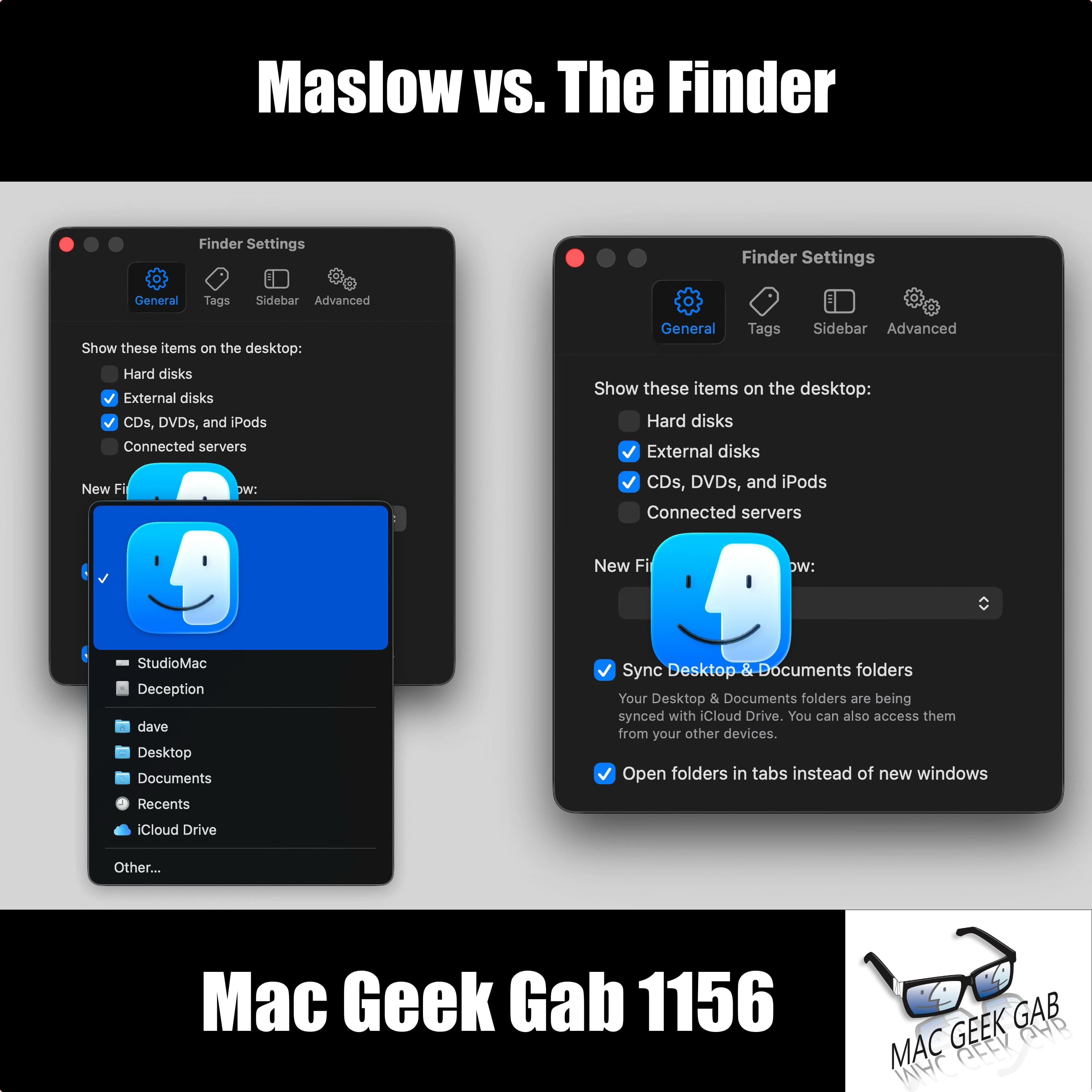 Maslow vs. The Finder 24.08.2026 1h 21mEver fire off a text that never actually sent? You’ll learn how to clear those stale unsent iMessages out of the More menu, move your Dock between displays using nothing but your cursor, and set exactly how long you share your location with iOS 27 (anywhere from 15 minutes to 30 days), plus a quiet hide that doesn’t tip the other person off. You’ll also grab videos out of Messages with a simple click-and-drag, and build a TextExpander snippet that pastes as plain text into those maddening web forms that block Command-V in the name of “security.” Then it’s your questions. Why does the Passwords...
-
 When Your Group Chat Tells You to Fork Off 17.08.2026 1h 26mCommand+Comma jumps you straight into any well-coded Mac app’s settings, no menu-hunting required, and Option+Return reveals the formula in any Numbers cell (Command+Return puts the result back). If your cross-platform Logitech keyboard has its Command and Option keys backwards, hold Fn+Shift+O for three seconds to flip the firmware into Mac mode — Fn+Shift+P sends it back to PC. While you’re at it, download the PDF manual for every new piece of gear today and stash it in Books so it syncs everywhere, because that manual won’t be on the manufacturer’s site three years from now. You’ll also hea...
-
 Don't Start Half Fresh 10.08.2026 1h 20mYou’ll start with a travel charger that swallows 200-plus countries into one brick, then find out that macOS Tahoe 26.6 is quietly rebuilding your Spotlight index to get ready for macOS 27…and hear the theory on why Apple wants that churn finished before you upgrade. You’ll get talked into finally looking at Raycast (with a nostalgia lap through Quicksilver, LaunchBar, and Alfred), meet Brett Terpstra’s TerminalWidget as the GeekTool replacement you’ve been waiting a decade for, and learn how Paperless-ngx in Docker can run your entire paperless workflow off a Mac or a Synology. There’s Type S...
-
 Take a Photo to Find Your Photos 03.08.2026 1h 28mYour quick tips run deep this week. Learn why snapping a throwaway photo is the fastest route to every picture you’ve ever taken at that spot, then rediscover Libby for free ebooks and audiobooks from your public library. You’ll find the hidden Attachments Browser in Notes (Command-3) that filters your notes by scans, documents, maps, and websites — plus a reminder that tagging still beats foldering. Drag the items in the Messages plus menu into the order you actually use them, right-click your Activity Monitor column headers to surface the data you’re missing, and open two windows on the same...
-
 A Wonderful Opportunity to Get Super Confused 27.07.2026 1h 20mYour Quick Tip arsenal gets a serious upgrade this week: use the Live Text button to make scanning QR codes easier, resurrect Apple Mail’s Predicted Mailbox when it mysteriously grays out, and run softwareupdate –history in Terminal to see every macOS update your Mac has ever installed. You’ll also hear how one listener’s Shortcuts automation fixes AirPods auto-play, why BBEdit is your secret weapon for editing Excel formulas and tailing log files, and how Safari’s Show Reader option strips the junk from cluttered pages — plus a bonus riff on the real trade-offs between convenience, privacy, a...
-
 The Green Light Never Lies 20.07.2026 1h 20mFresh off Macstock, you get the full debrief on this year’s gathering before diving into a stacked round of Quick Tips. You’ll learn how to disable Summarize Notification Previews to stop needless battery churn, clear every unread Apple Watch notification in one shot, and weigh whether it’s finally time to move to macOS Tahoe. There’s a heads-up that Mac minis and Mac Studios are back in Apple’s Refurbished Store, a slick Control-Tilde trick to reveal formulas in Excel, Google Sheets, and LibreOffice, the case for a USB-only cable when you’re heading into DFU recovery mode, and clever moves li...
-
 Reclaim Your Storage: iCloud, RAM & Space-Saving Secrets 13.07.2026 1h 19mThis week on Mac Geek Gab 1150, Pilot Pete, Adam Christianson, and Dave Hamilton pack an Embrace Your Geekness Day episode with Quick Tips you’ll put to work immediately. You’ll learn how to schedule birthday messages so you never miss one, silence those pesky automatic Shortcuts notifications, and give Apple Intelligence the context it needs to actually help. From automating Theater Mode the moment CarPlay connects, to using your iPhone to check for ticks, to texting “Marco” so your lost iPhone sings until you find it, these are the tips that keep you sharp. You’ll also dig into searching Saf...
-
 Save Room For Your iCloud Dessert 06.07.2026 1h 20mYou learn at least five new things every episode, and this one stacks them fast. Roll your Apple Watch crown instead of tapping it to keep Sleep mode from searing your eyes, then hit Command-Shift-F in the Finder to jump straight to Recents when a saved file vanishes into the void. When a listener asks how to archive iMessages, you’ll meet iMazing, Shottr’s scrolling screenshots, privacy.apple.com, and a public-key-encryption rabbit hole that explains why even Apple can’t hand your texts back. You’ll also learn to Control-click the Printers list to reset the entire CUPS printing system, and to...
Similar podcasts


Popular in
The podcast also appears in the podcast charts of these countries.


